
Basically Chaos Curves (or Figures) are generated by selecting and plotting a point on "Graphic Window" of some kind and then using the X and Y coordinates of this point (X0, Y0) to calculate the coordinates of a second point (X1, Y1), which is then plotted and it's coordinates again used to calculate and plot a third point (X2, Y2) etc. - the process continuing as long as is wished. Depending on the way that the "next" set of coordinates is calculated. various types of "image" are generated. In some cases hardly anything is plotted as the values of the X and Y coordinates quickly become vary large and "go off the screen". In other cases the increase is relatively slow and the inner part of the "image" appears on the screen but eventually the points "go off to infinity" [which may foul up the program if precautions are not taken]. In a third case, the "later" points always fall on some part of a line which forms a closed "loop" and is called a Strange Attactor. This "loop" is not be always smooth and may have a complicated "spikey" shape.
The very simplest form of calculation is what I've called "Linear"*. In this the "next" value of the X coordinate is calculated by multiplying the "previous" values of the X and Y coordinates by two (different) numbers, adding them together and adding a third number. The "new" Y coordinate is calculated in the same way - but (usually) with three other numbers. Each "image" is thus defined by these six numbers, which may be positive or negative and are usually in the range -1 to +1 (including zero). The values of these numbers (Coefficients) is very critical and very small changes can make very large differences to the resulting "image".
It is common to designate these coefficients by the letters 'a' to 'e' so that the equations become:-
X(n+1) = aX(n) + bY(n) + e
a = 1.0
b = 0.0025
c = -0.0025
d = 1.0
e = -0.00001
f = 0.00001
Using "linear" equations gives limited results but is relatively simple to explain. I have included a specimen generation program in BBC basic [CG_RPC_01X] which I have annotated to give an idea of how it works.
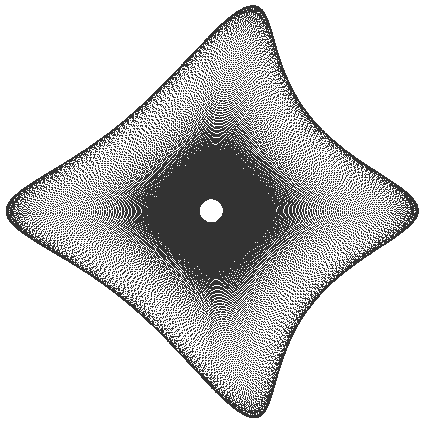
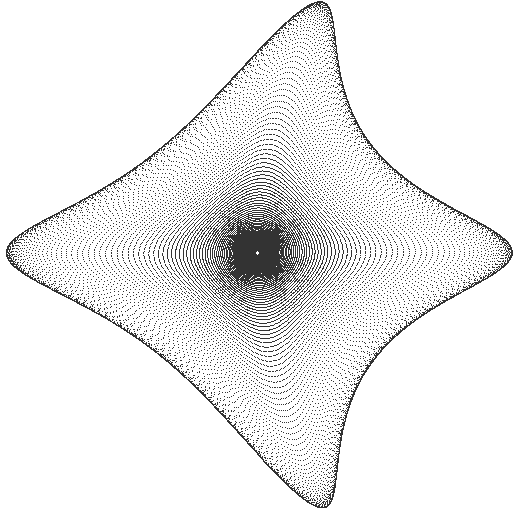
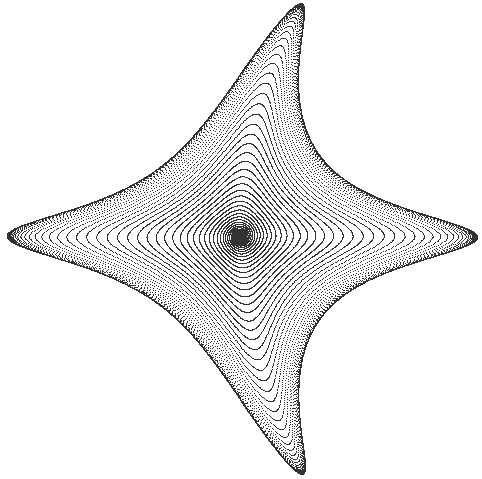
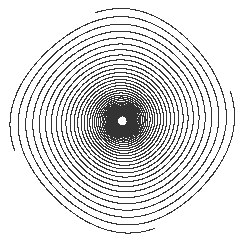
More "spectacular" results can be obtained by squaring the X and/or the Y values - or raising them to higher powers. I have included some of these as examples as GIF files [Result_A to Result_E].
These have equations of the form:-
X(n+1) = aX(n)^2 + bY(n) + e
Y(n+1) = cX(n) + dY(n)^2 + f
where ^2 indicate "Squared" [multiplied by itself].
Note that all of these have "Strange Attractors" and that some consist of almost nothing else. ( A 'Strange Attractor is ate line that is traced out continuously when the program is allowed to run indefinatly. After a certain number of points have been calculated, all further points will fall on this line.)
Chaos Curves (and Fractals) consist only of black points on a white background. There are no "greys". They can be coverted to any other TWO colours, of course, but have no Intrinsic Colurs.
* Note: This is virtually the same as the Affine Transforms used to generate Fractals.
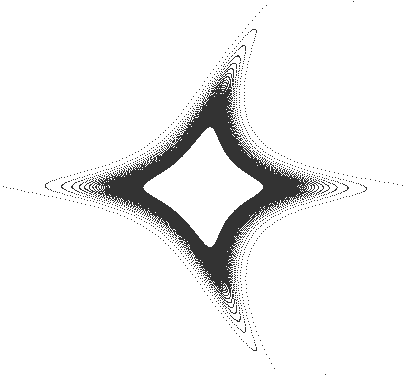
CG_RES01 |
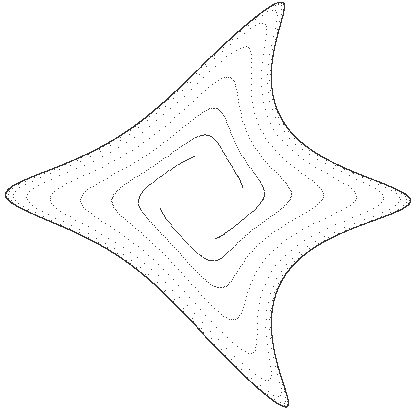
CG_RES04 |
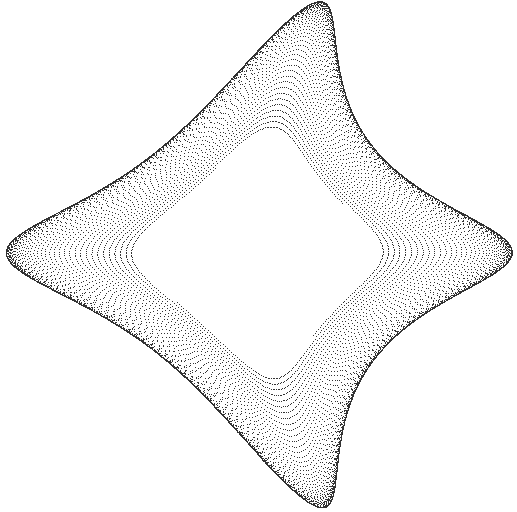
CG_RES05 |
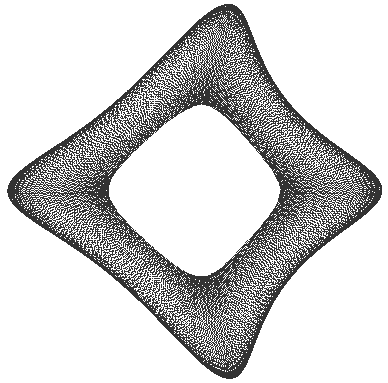
CG_RES07 |
CG_RES10 |
CG_RES13 |
CG_RES14 |
CG_RES17 |
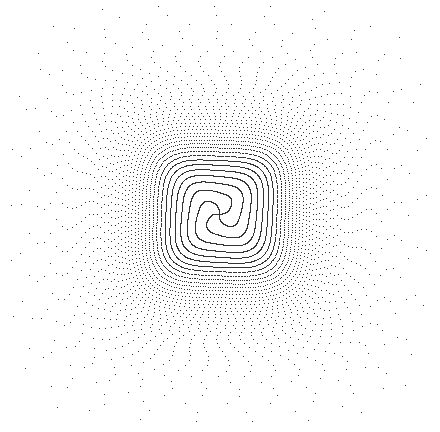
CG_RES18 |
